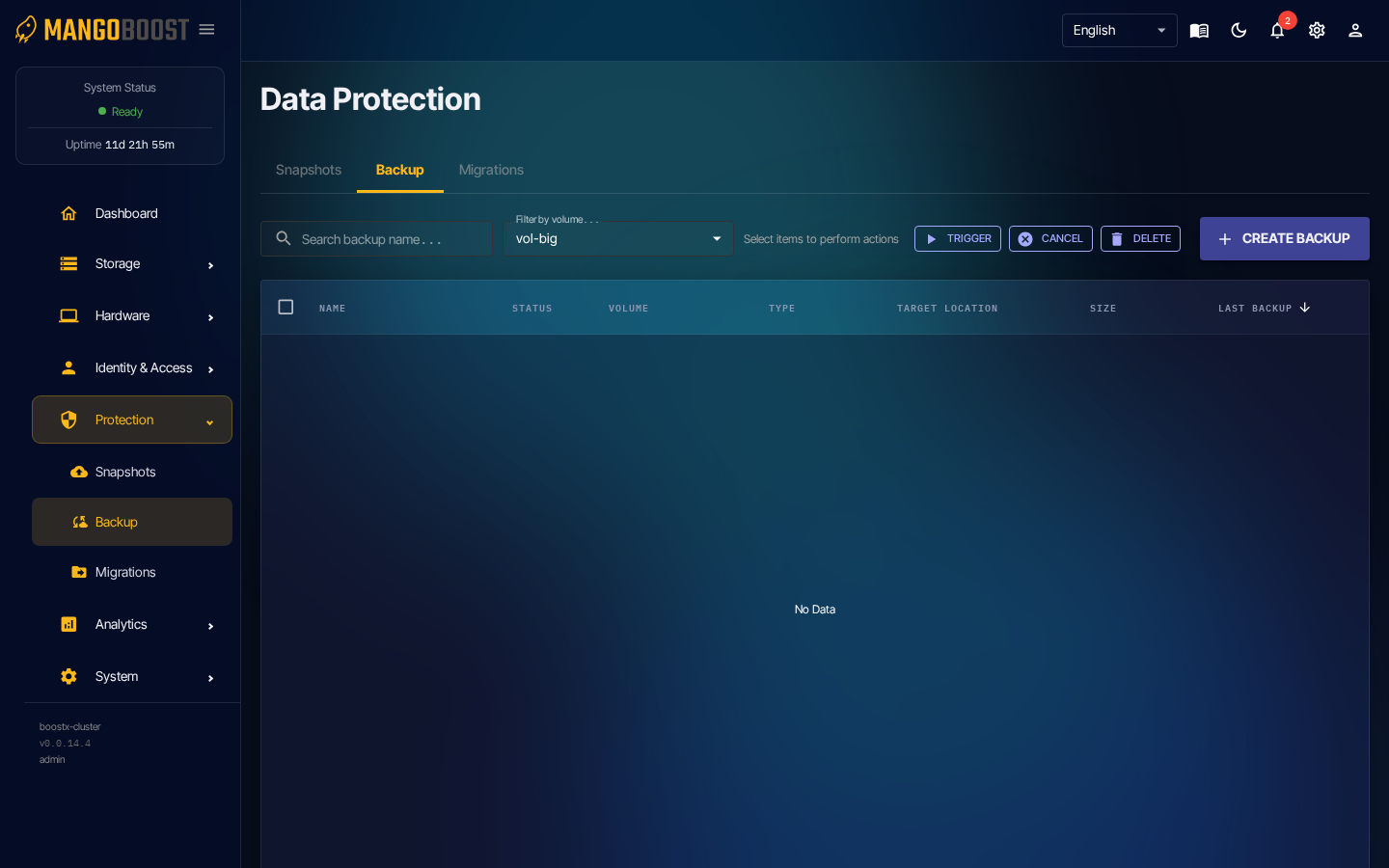
Backup Configuration and Restore
info
Unlike snapshots, backups copy data to an external storage target (e.g. S3). Use them for disaster recovery (DR) and long-term retention.
Steps
- Go to Protection → Backups
- Select a volume → configure backup settings:
- Backup type: Full / Incremental
- Schedule: Daily / Weekly / Cron
- Target location:
s3://bucket/backups
- Save → backups run automatically on schedule
- To restore: select a backup entry → click RESTORE