5. mass-ctl Mount
info
The mount procedure is the same as for end users. See End User → Volume Mount for all options.
# Set endpoint (once)
mass-ctl config set manager-endpoint https://<manager-ip>:30083

# Log in
mass-ctl login

# Mount
sudo mass-ctl mount --volume-id my-volume -m /mnt/data

# Unmount
sudo mass-ctl unmount -m /mnt/data
tip
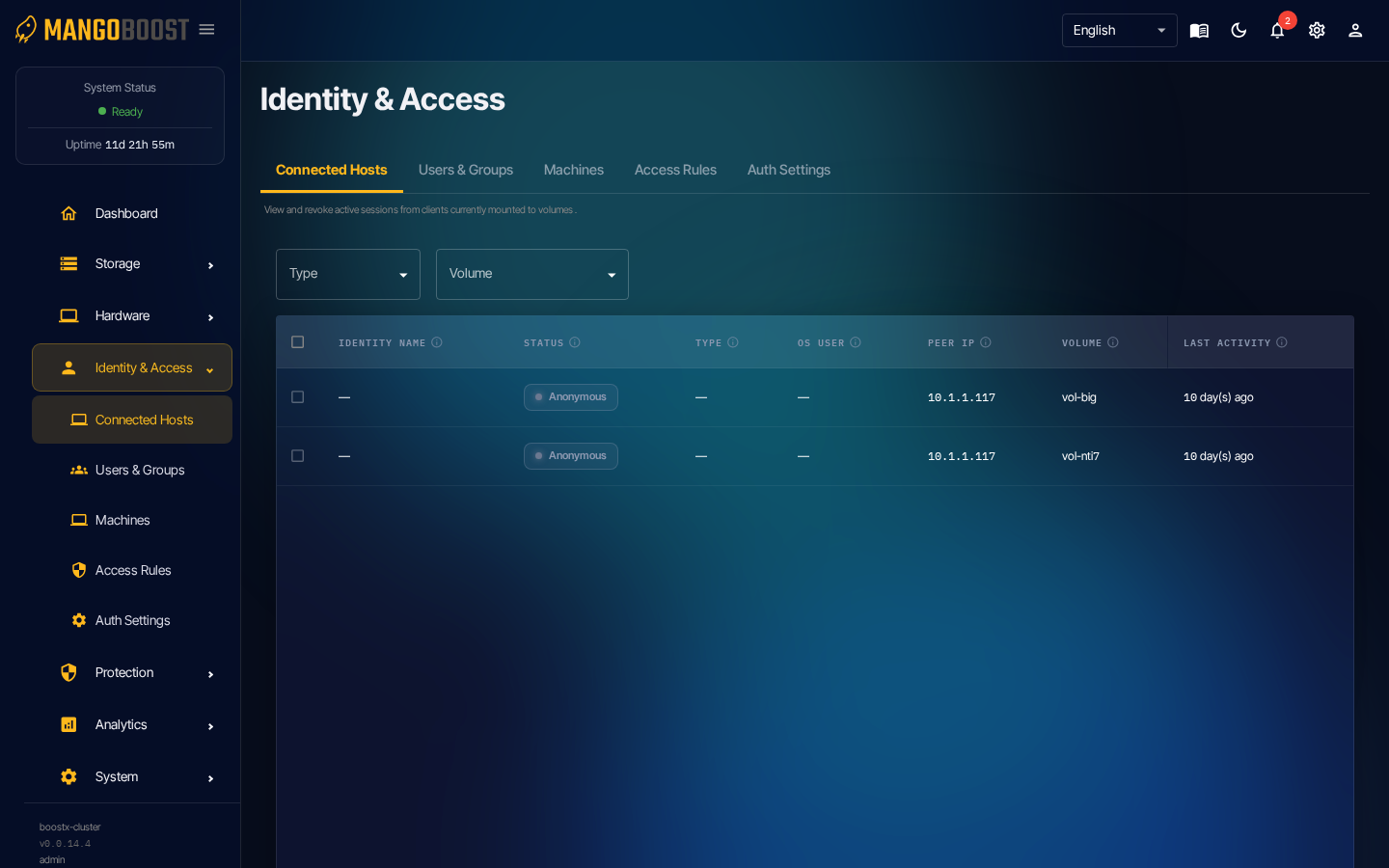
After mounting, check the Connected Hosts page to monitor active connections in real time.