5. Create a VolumeGroup
warning
Only admins can create VolumeGroups. Create one per team or department.
Steps
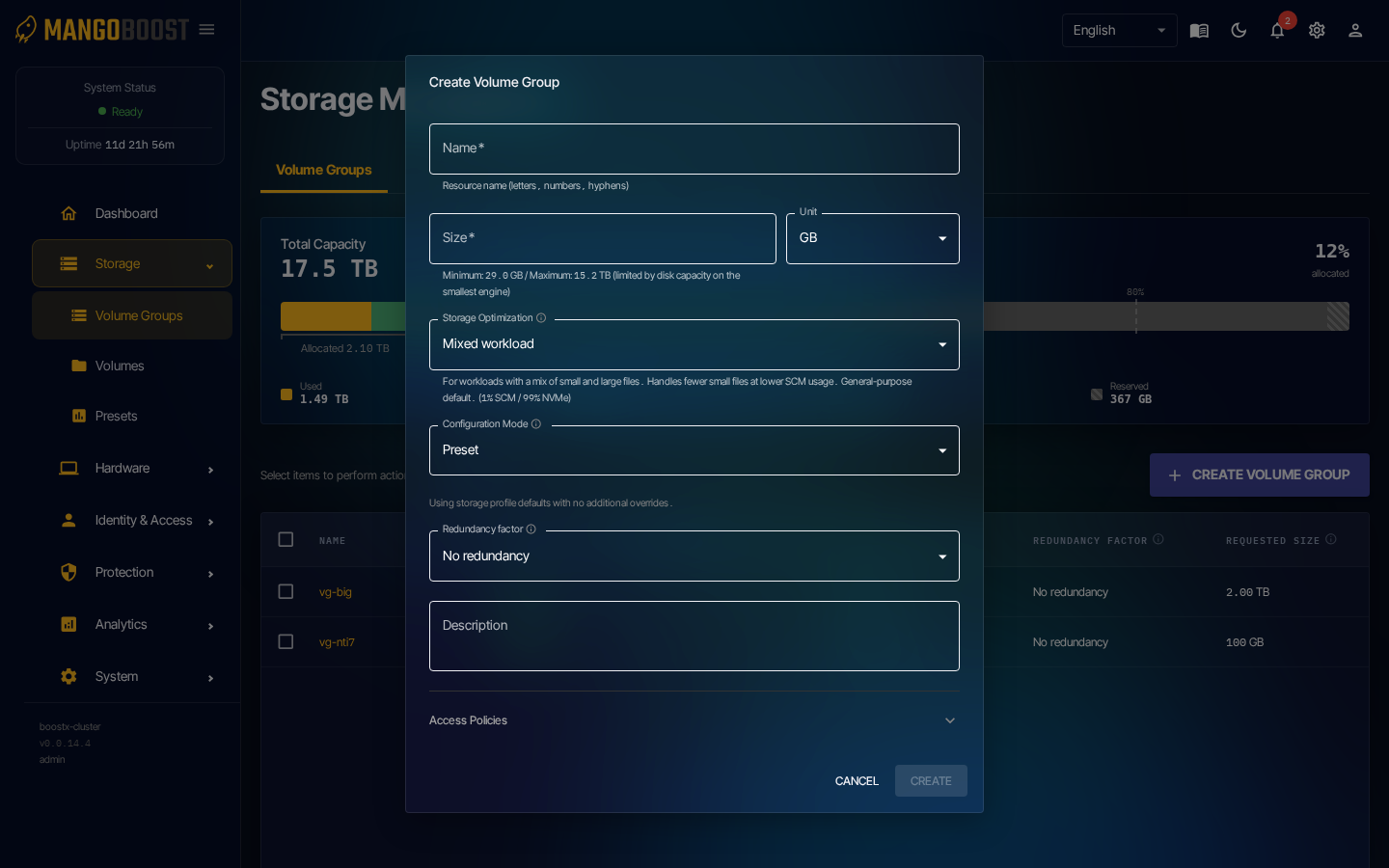
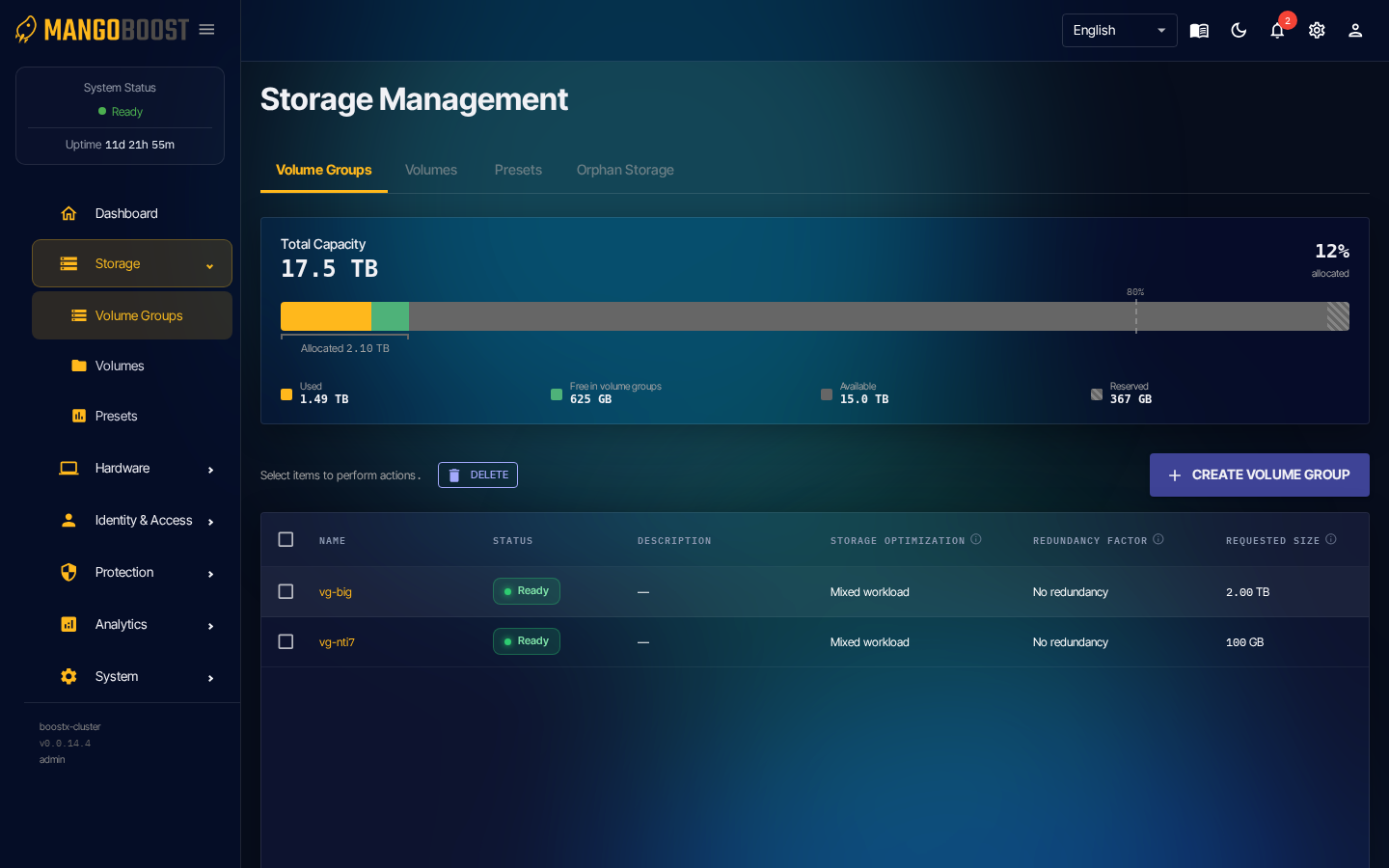
- Go to Storage → Volume Groups → CREATE VOLUME GROUP
- Name: lowercase letters, numbers, and hyphens (e.g.
team-alpha-vg) - Size: set capacity (GB / TB)
- Configure Storage Optimization and Data Protection, then click CREATE
- Wait for the status to transition from Provisioning → Ready
info
A VolumeGroup is a dedicated storage space per team. Users with the volumegroup_manager role create volumes inside it.