1. Initial Login and Security Setup
Default credentials — change immediately
Username: admin / Password: admin
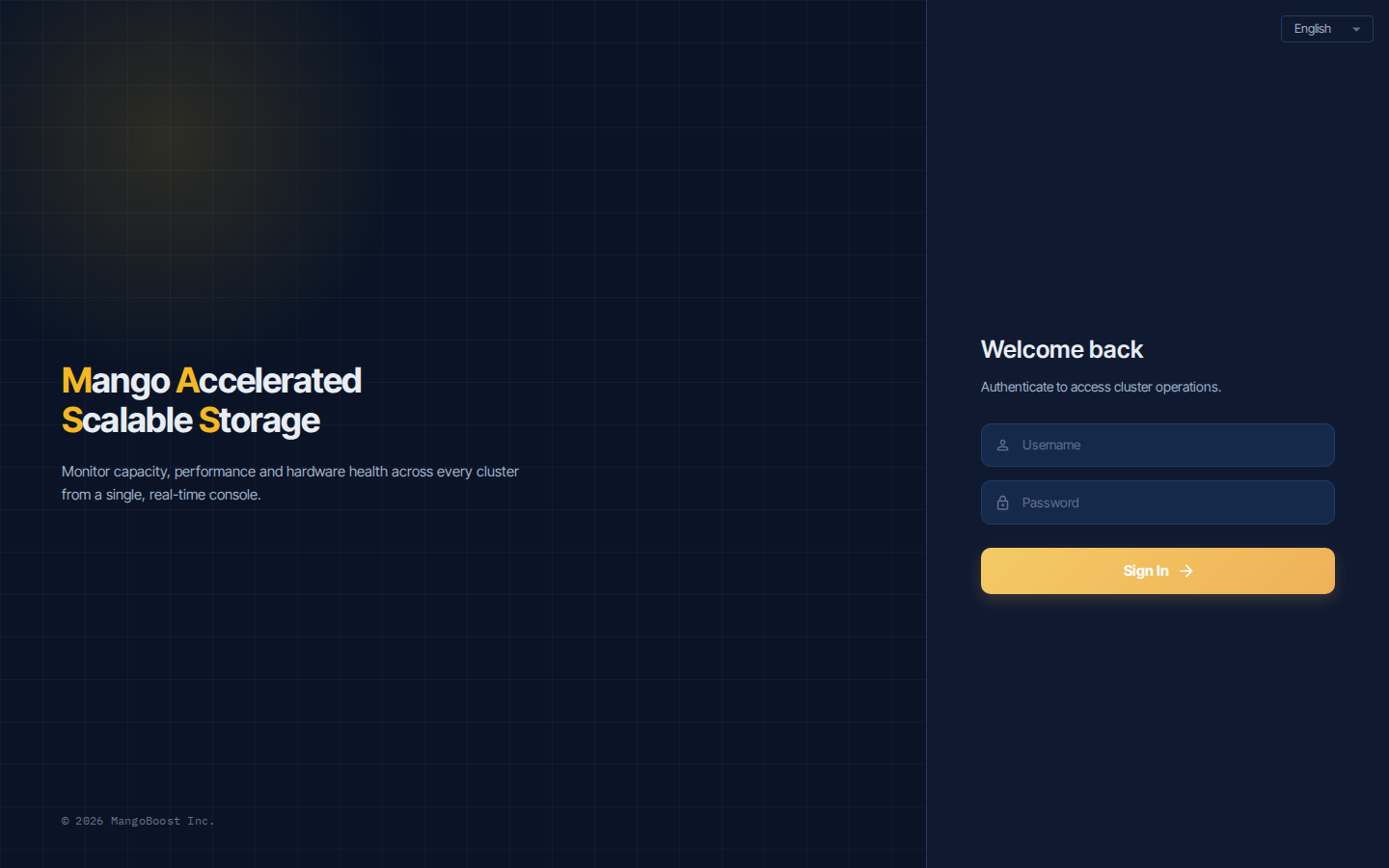
Steps
- Open the Dashboard and log in with
admin / admin - Click the user icon in the top right → Change password immediately
- Designate an admin account — assign a role to an LDAP-linked account or create a local account (see next step)
- Use a
general_manageraccount for day-to-day operations — reservesuper_adminfor emergencies only
Role difference
super_admin has additional privileges over general_manager, including system reset, full deletion, and infrastructure-level configuration. Not required for normal operations.