4. Volume Access by User — Managing via Groups
Concept
Combine groups and Access Policies to manage access at the team level.
- Group A (
team-alpha): alice, bob, charlie → read + write on Volume A - Group B (
team-beta): charlie, david, eve, frank → read + write on Volume B
info
charlie is a member of both groups and therefore has simultaneous access to Volume A and Volume B.
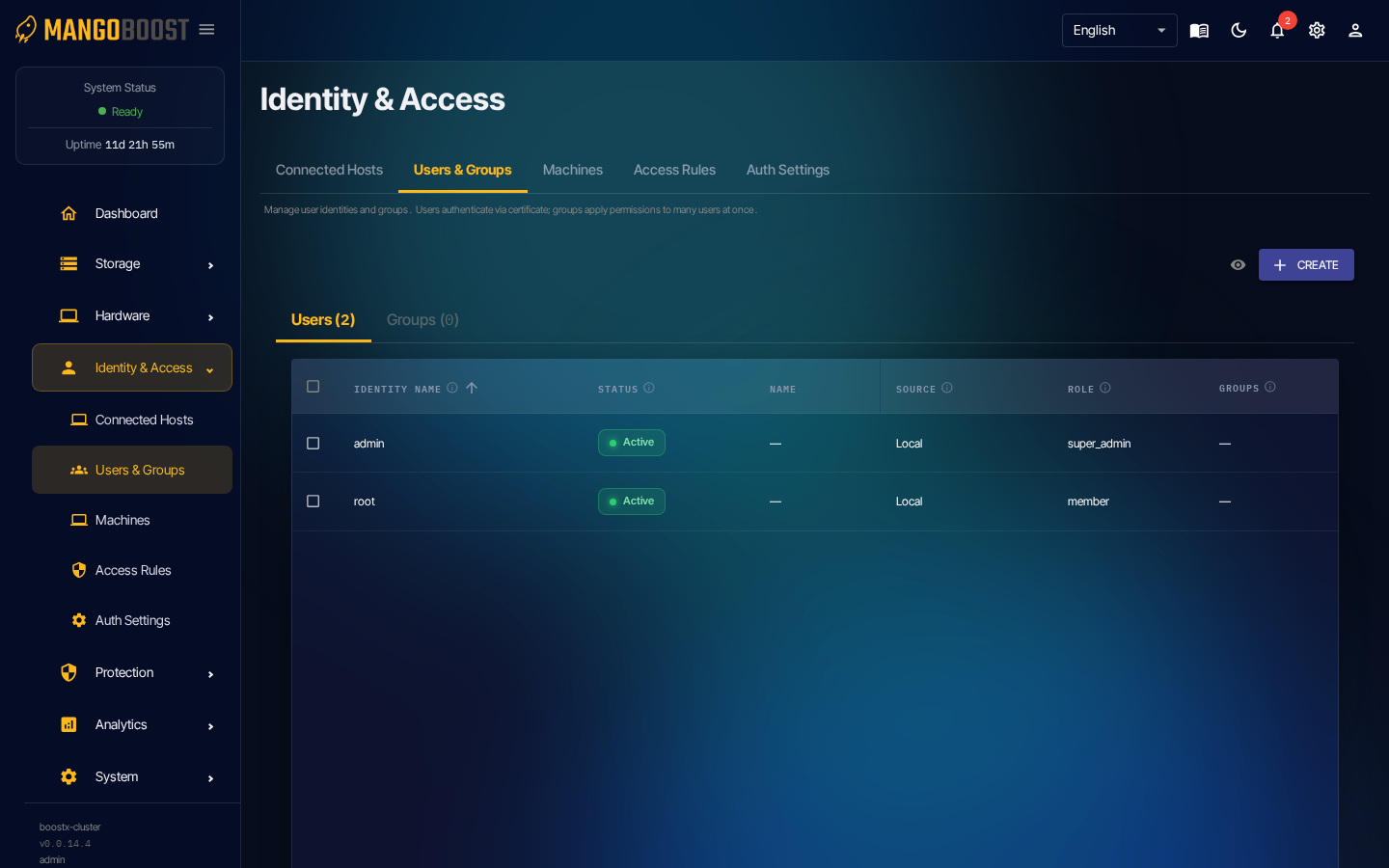
How to Add a User to a Group
- Go to Users & Groups → GROUPS tab → click the group name
- Group detail panel → Add Member → search and select the user account
- Save → the user immediately inherits the group's Access Policy