2. Google Workspace LDAP Integration
Steps
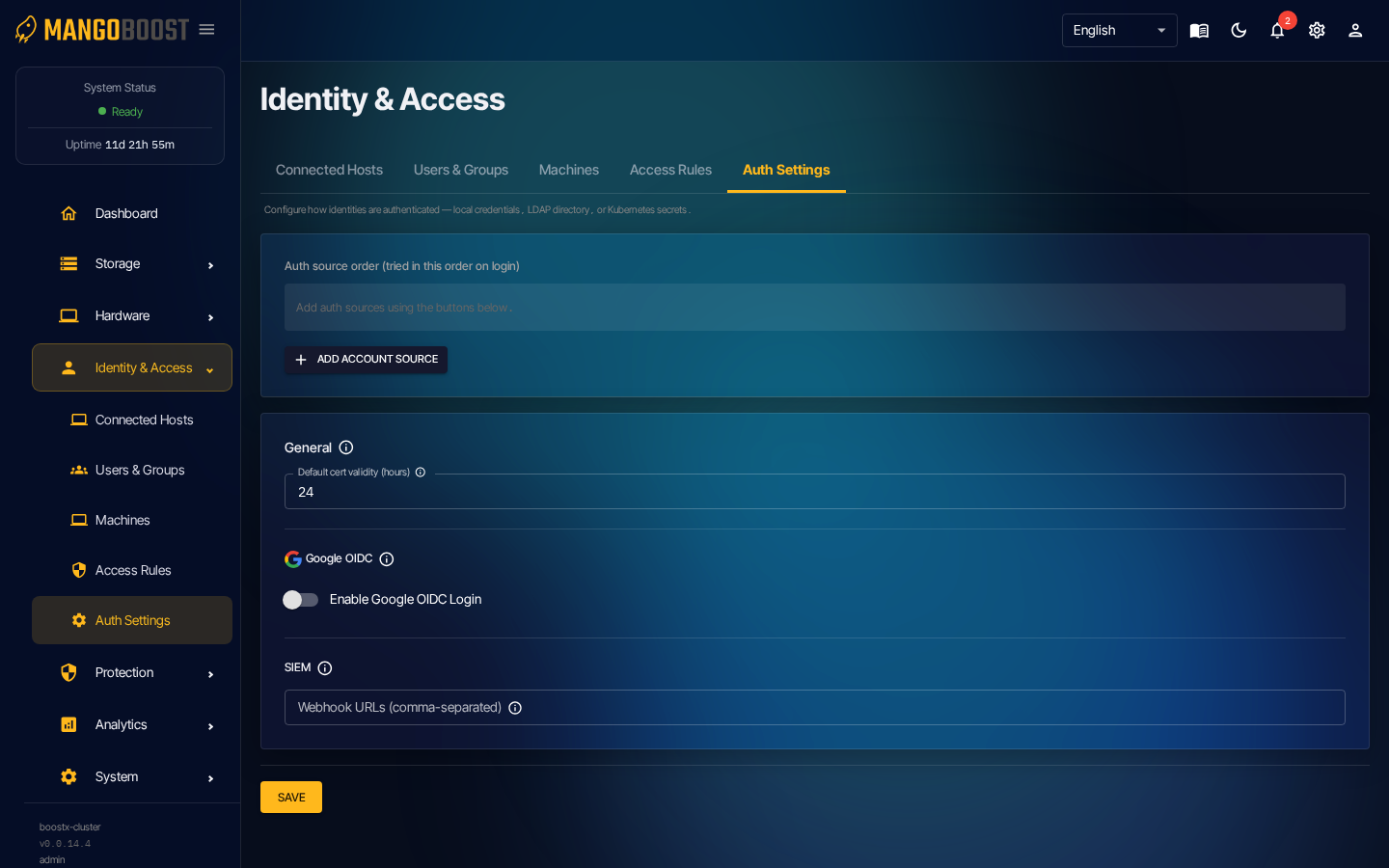
- Go to Identity & Access → Auth Settings
- Click ADD ACCOUNT SOURCE
- Select profile: Google Workspace
- Upload the mTLS client certificate + key issued from Google Admin Console
- Enter the LDAP server address (
ldap.google.com:636) - Enter your organization's Base DN, save, and run the connection test
After integration
- Google Workspace users can log in with their Google account password.
- Login ID is the part before @ in the email. Example:
alice←alice@company.com - Google OIDC (browser SSO) is not currently supported.
Certificate validity period
General section → Certificate validity (hours)
This controls how long the client certificate issued by mass-ctl login remains valid.
Users can only access storage data while their certificate is valid.
Default: 24 hours / Maximum: 168 hours (7 days).