4. Assign the general_manager Role to an Admin Account
Purpose
Designate a regular admin account so super_admin is not used for daily operations.
Works with both Google Workspace/LDAP accounts and local accounts.
Option A — Assign role to an LDAP/Google account
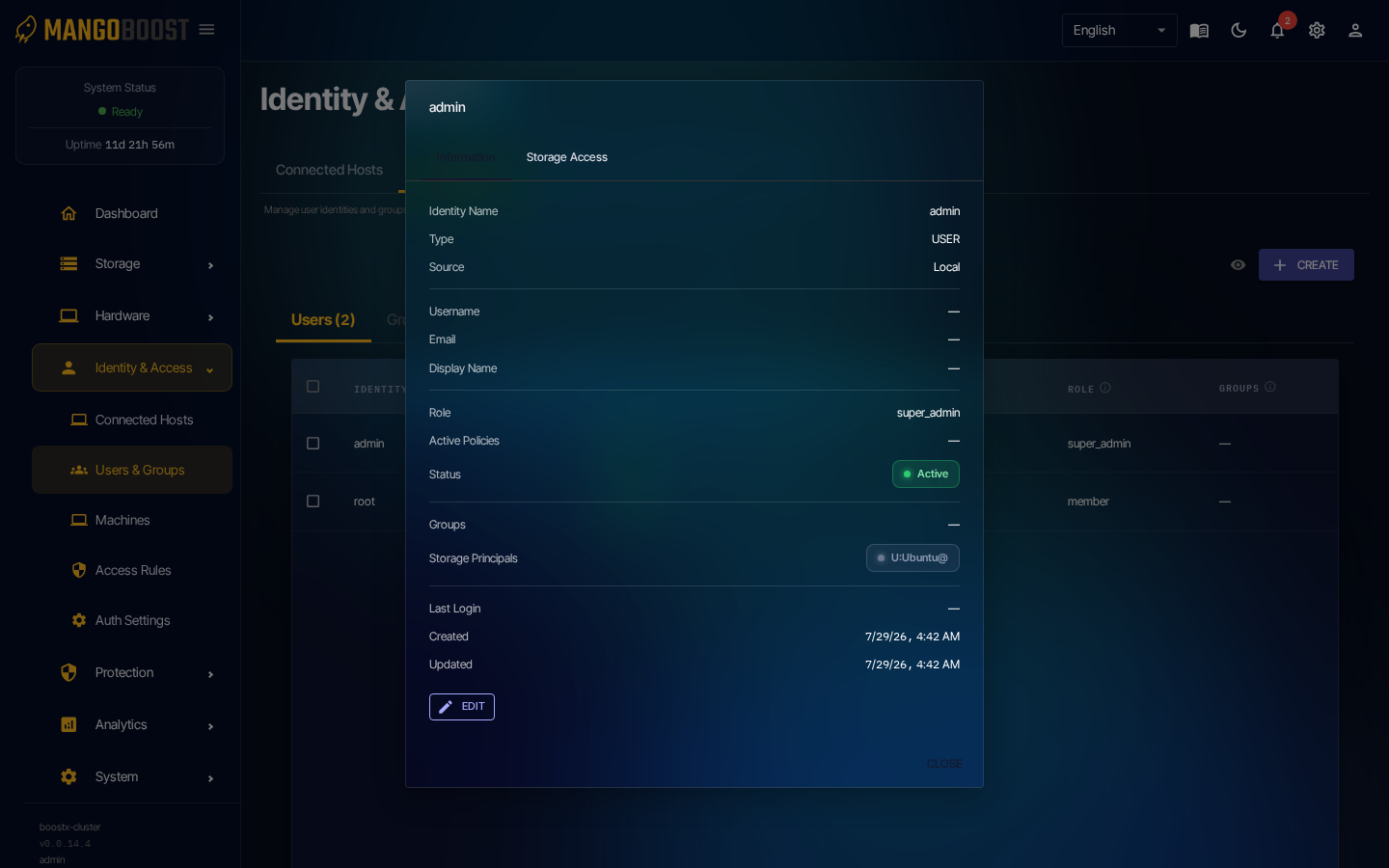
- Go to Users & Groups → click the user's row → detail panel
- Click EDIT → select
general_managerfrom the Role dropdown → save
Option B — Create a new local account
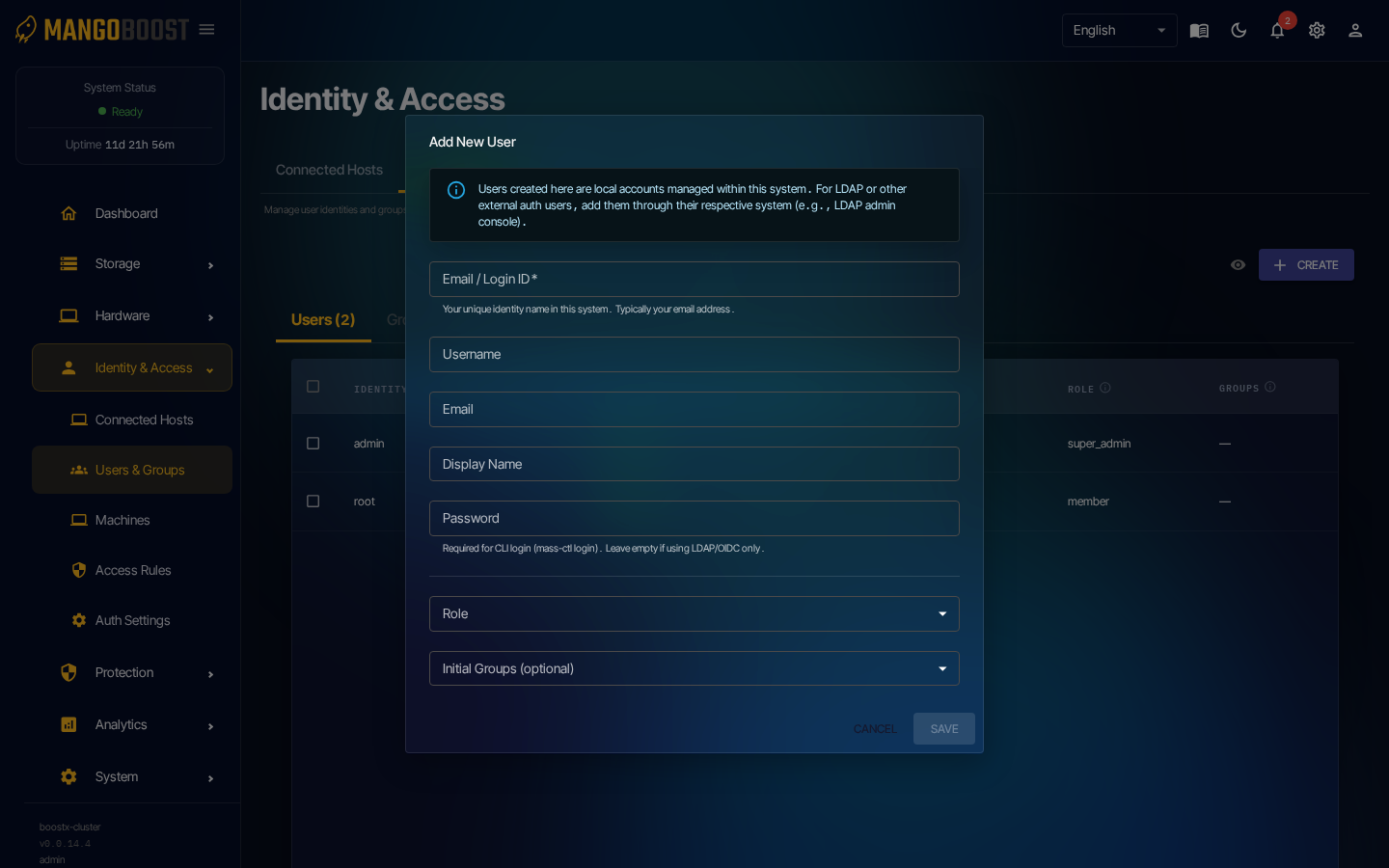
- Go to Users & Groups → CREATE → fill in account details + Role:
general_manager→ save
Recommended practice
After changing the password, use this account for all routine management. Keep super_admin credentials stored securely and unused during normal operations.